
Browse Items (11 total)
- Collection: Torbook
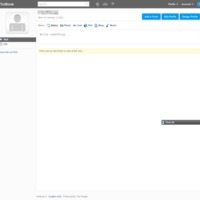 Torbook | User Page
This is the user page for Torbook. There are two links on this page - wall (shown) and info. The wall includes a user avatar, name and birthday. It…
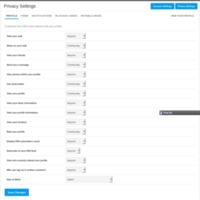 Torbook | Privacy Settings
This is Torbook's privacy settings page. Users can customize how other users can interact with their profile. This includes such things as who can…
 Torbook | Polls
On this page of Torbook, users can create and participate in polls. Users can search all polls, their own polls, and friends polls. At this particular…
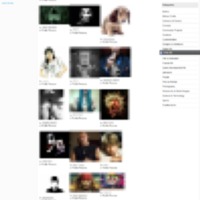 Torbook | Photos
This is Torbook's photo page where members can upload photos as profile pictures or for sharing. Photos can be searched by all photos, user's photos,…
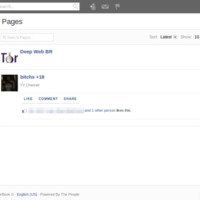 Torbook | Pages
Torbook pages are user generated pages. Pages can be sorted by all pages, user pages, and friends' pages. They can also be organized into various…
 Torbook | Members
This is Torbook's members page. The page features an image or avatar of the user, their user name, birthday, and gender. You can browse or search…
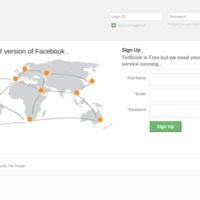 Torbook | Home
This is Torbook's home page where users can sign in or new users can sign up. It is identified as the TOR version of Facebook.
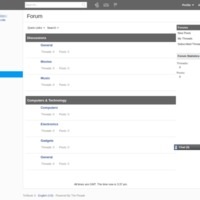 Torbook | Forum
This is Torbook's forum page. Users can participate in a variety of forums that include such topics as: movies, music, general, and/or technology.…
 Torbook | Blogs
This is Torbook's member blog page.It allows members to create, search, and read other member's blogs. Members can look at all blogs, their own, or…
 Torbook | Activity
Torbook's activity page is very similar to Facebook. It allows users to post their status, share a photo, links, music, links, or blogs. Other users…
 Torbook | Account Settings
This is Torbook's account settings page where you set up a Torbook account. It requires your full name, email, and password. Additionally, it asks for…